
The ultimate app for on-the-go writing
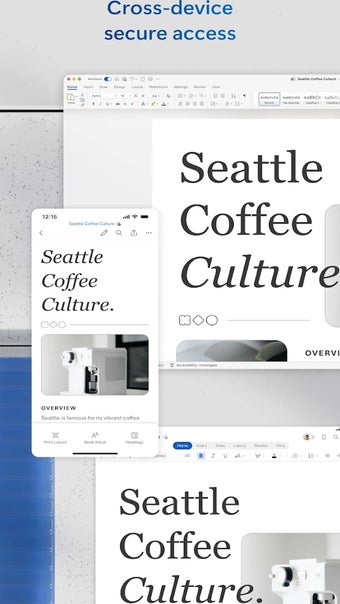
Microsoft Word is a free productivity app that stands out as a versatile office suite, seamlessly bridging the gap between PC and mobile usage. This document editor is a powerhouse, allowing you to effortlessly create, read, edit, and share documents on the go, mirroring the functionality of its PC counterpart.
Top Recommended Alternative
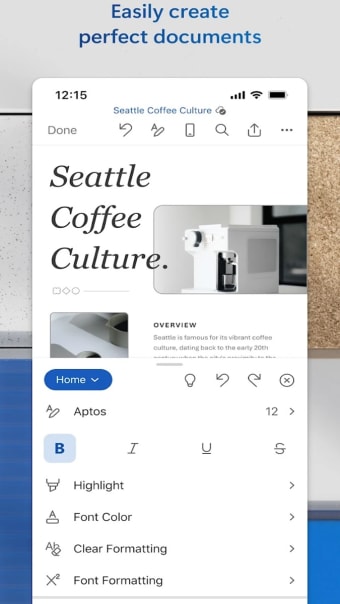
The process is streamlined in Microsoft Word to ensure a smooth and efficient experience for users, making it one of the premier writing apps for those on the move. Similar to apps like Google Docs and WPS Office, creating documents with this editor is a breeze thanks to its user-friendly interface and plethora of templates for resumes, cover letters, and more.
Create professional documents anytime, anywhere
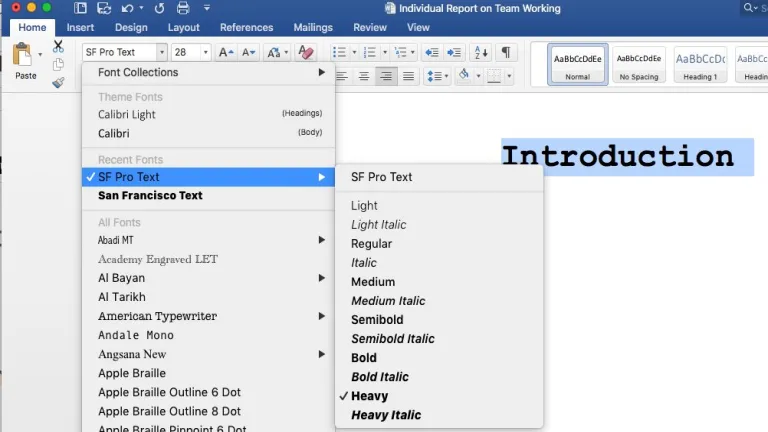
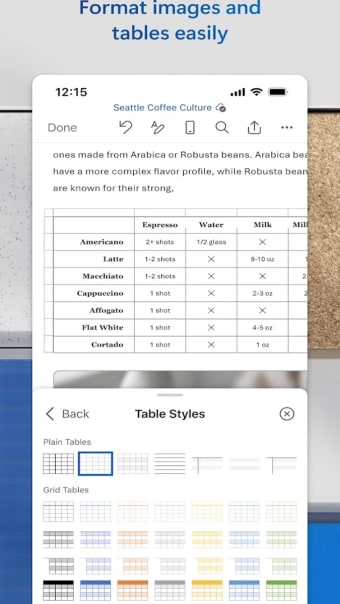
Microsoft Word preserves formats and layouts of your documents to ensure that their content looks polished and professional. The rich formatting and layout options allow users to craft documents tailored to their specific needs, whether it's a business proposal or a creative project. Additionally, its compatibility with a variety of document types makes it a go-to choice for professionals across industries — from a blogger, writer, and journalist to columnist and project manager.
This compatibility enables this document editor to move with you while offering easy document editing at your fingertips. It also accommodates letters, blogs, scripts, notes, and resumes, each beautifully designed with modern templates. What's more, reading, writing, and editing documents are seamlessly integrated into the Word experience. The Reading View provides a comfortable reading environment, while the PDF converter feature enables easy editing of PDFs, showcasing the app's adaptability.
Seamless collaboration for improved productivity
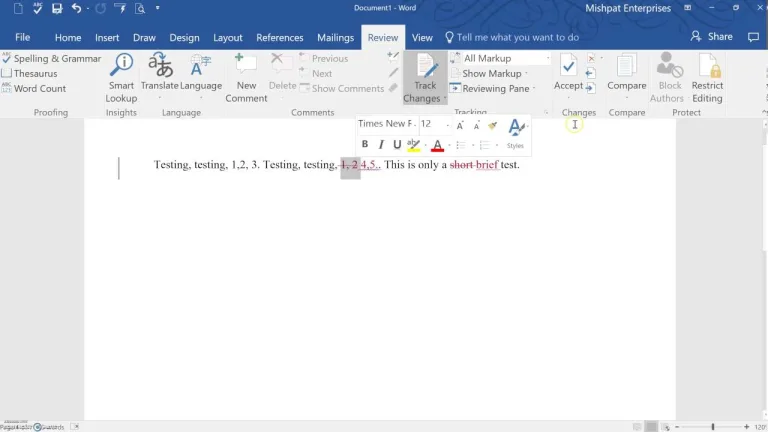
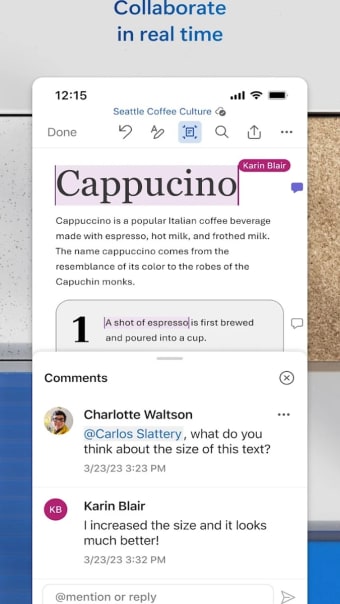
Collaboration is a strong suit of Microsoft Word, with document comments facilitating real-time discussions and the built-in docs viewer allowing users to view documents effortlessly. File sharing is also simplified with this app to allow team work with just a few taps. In addition, this editor provides robust file and document management that enables users to keep track of who is working on what.
Despite its numerous advantages, Microsoft Word does have a couple of drawbacks. The app demands a significant amount of storage space, requiring at least 1 GB. Additionally, devices with screens smaller than 10.1 inches need to sign in using a Microsoft account for document creation or editing.
Includes an AI writing assistant
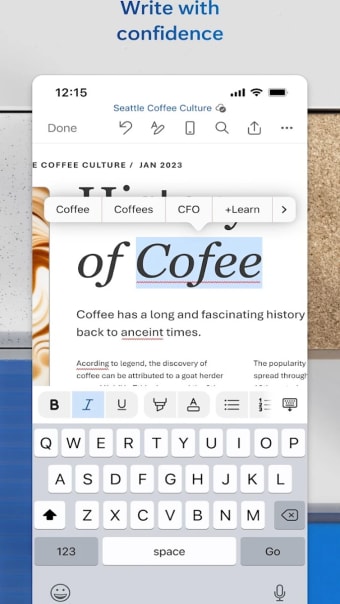
Microsoft Word leverages the power of artificial intelligence with Copilot, a dynamic writing companion to streamline your document creation process. Seamlessly integrated within the word processor, the Microsoft chatbot helps boost your productivity and enhances your writing experience. To help you go from a blank page to a completed document, you can use Draft with Copilot. Simply type in what you need, and the AI tool automatically generates text that you can improve on. It also provides real-time suggestions to enhance grammar, spelling, and style.
Apart from content generation, the writing assistant enables you to transform or enrich your existing content. It lets you rewrite or visualize a text as a table in just a few clicks. Additionally, the handy chat function can help you with your queries about the document as well as in producing information that you can easily copy and paste into your document. However, limitations exist, such as the unsaved chat content hindering reference to previous interactions, potential compatibility issues with certain content types, and language support constraints.
Overall, Microsoft Word’s versatility and constant innovation, especially with the addition of Copilot AI tool, justify its position in the market.
Effortless documentation and collaboration
Microsoft Word excels as a document editor as it provides a comprehensive set of features for users on the go. Its seamless integration between PC and mobile, coupled with a user-friendly interface, makes it an indispensable tool for professionals in various fields. The collaboration capabilities, compatibility with different document types, and integration with Microsoft 365 Copilot further elevate its status as a powerhouse in the realm of mobile document editing. Despite minor drawbacks, Microsoft Word remains a frontrunner in the competitive landscape of writing apps.
















.png)