For everyday writing
Microsoft Word remains a familiar office suites staple, showing how Microsoft Word continues to function as a reliable productivity and document management tool today. This app still shapes how people draft letters, reports, and long-form content, balancing powerful formatting options with an interface that feels approachable for everyday writing needs.
Microsoft Word stands out as more than just a typing space, particularly within teaching & training, client communication, and broader document management workflows. The app has matured into a dependable writing environment where collaboration, layout control, and file compatibility are just as important as the fundamentals of word processing.
A trusted tool for written work
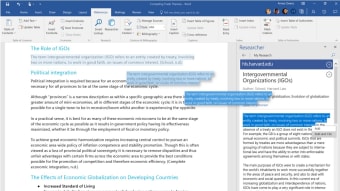
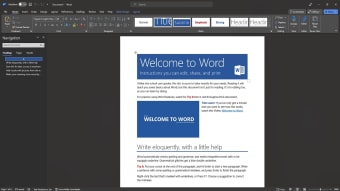
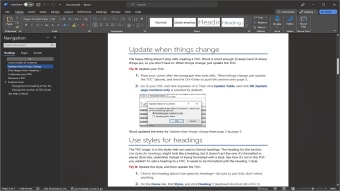
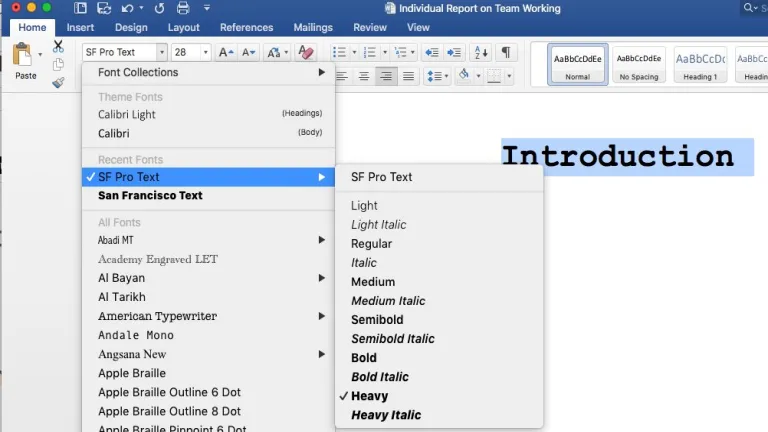
Microsoft Word benefits from a clean interface, logical menus, and consistent shortcuts that make navigation intuitive for both beginners and experienced users. Core tasks like formatting text, managing styles, and inserting tables feel streamlined and predictable. However, the depth of options can feel overwhelming at first, especially when advanced layout, review, or reference tools appear during simple writing sessions for new users exploring features gradually over time comfortably.
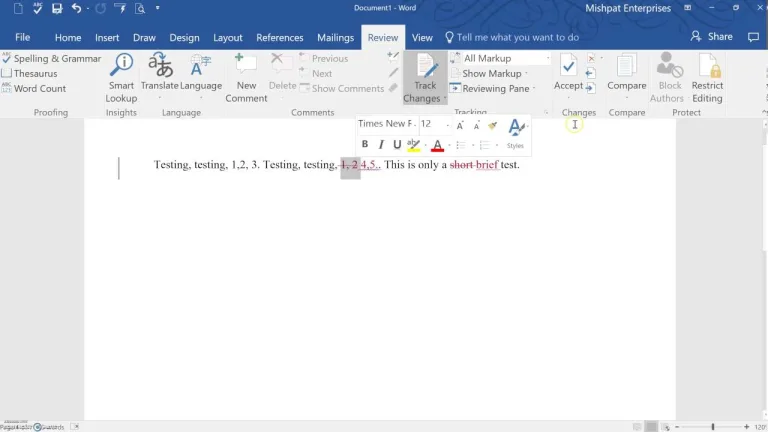
As a productivity and office suites tool, the program handles large documents reliably, including reports with images, footnotes, tables, and tracked changes. Real-time collaboration is smooth and practical, particularly for shared editing, commenting, and version awareness. That said, performance can dip slightly when documents become extremely complex or heavily formatted, which may slow editing momentum during extended work sessions for teams, students, and professional writing environments overall today.
It maintains strong file compatibility, making it easy to share documents across teams, organizations, and institutions. Its strengths lie in professional polish, document consistency, and dependable output suitable for formal use. On the downside, some features overlap with alternatives that provide similar writing capabilities at a lower cost, which may influence value-conscious users planning long-term adoption across different budgets, workflows, and content creation needs today, realistically, overall.
Still a reliable writing standard
Microsoft Word remains a solid recommendation for users who value document management, collaboration, and professional formatting. The app excels in structured writing, long-form documents, and shared workflows, even if its extensive feature set can feel overwhelming for casual use. Overall, it continues to be a dependable choice for students, professionals, and teams seeking reliability, consistency, and precise control over written work across both academic and professional environments.