For everyday writing
Microsoft Word remains a familiar office suites staple, showing how Microsoft Word continues to function as a reliable productivity and document management tool today. This app still shapes how people draft letters, reports, and long-form content, balancing powerful formatting options with an interface that feels approachable for everyday writing needs.
Microsoft Word stands out as more than just a typing space, particularly within teaching & training, client communication, and broader document management workflows. The app has matured into a dependable writing environment where collaboration, layout control, and file compatibility are just as important as the fundamentals of word processing.
A trusted tool for written work
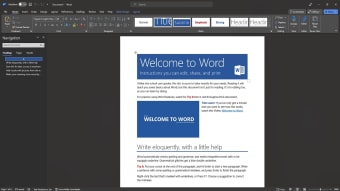
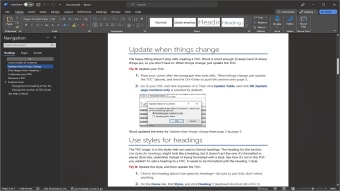
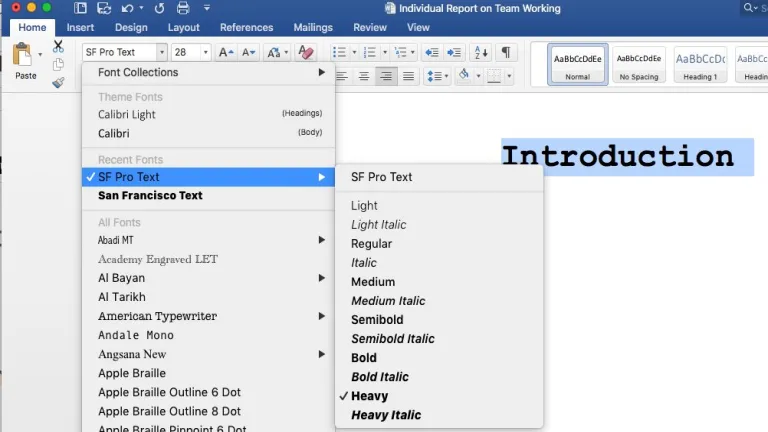
Microsoft Word benefits from a clean interface, logical menus, and consistent shortcuts that make navigation intuitive for both beginners and experienced users. Core tasks like formatting text, managing styles, and inserting tables feel streamlined and predictable. However, the depth of options can feel overwhelming at first, especially when advanced layout, review, or reference tools appear during simple writing sessions for new users exploring features gradually over time comfortably.
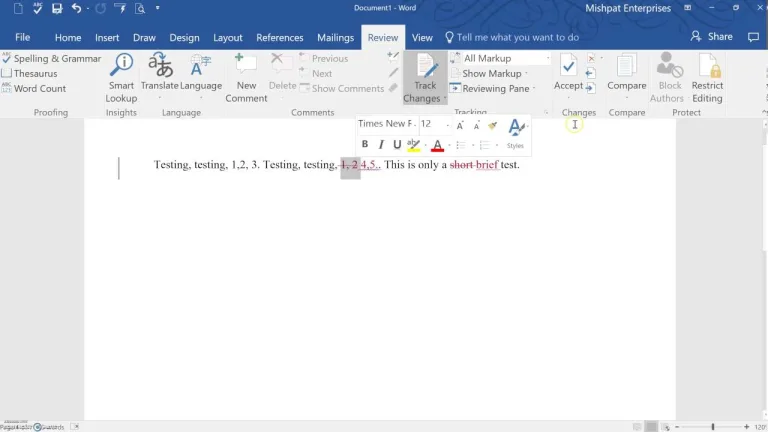
As a productivity and office suites tool, the program handles large documents reliably, including reports with images, footnotes, tables, and tracked changes. Real-time collaboration is smooth and practical, particularly for shared editing, commenting, and version awareness. That said, performance can dip slightly when documents become extremely complex or heavily formatted, which may slow editing momentum during extended work sessions for teams, students, and professional writing environments overall today.
Collaboration, cloud integration, and constant evolution
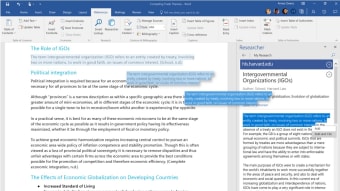
Modern versions of Microsoft Word emphasize teamwork through Microsoft 365 integration. Files saved to OneDrive allow multiple users to edit simultaneously while tracking changes in real time. Comments and revision history make collaborative editing smoother, supporting real time collaboration for remote teams and shared projects. This cloud functionality ensures documents remain accessible across devices, from desktops to mobile apps. Still, reliance on online features require constant internet connection.
Updates have introduced AI assisted writing features through Microsoft Copilot integration. These updates added content suggestions, automatic summaries, and improved rewriting assistance directly inside documents. Patch notes also included performance optimizations for large files, improved PDF editing support, expanded accessibility tools such as improved screen reader compatibility, and enhanced collaboration stability. Security updates strengthened protection against malicious documents, reflecting Microsoft’s ongoing focus on AI powered writing assistance while maintaining document safety and reliability.
The everyday standard for modern writing
Microsoft Word continues to prove why it remains the default choice for document creation across schools, businesses, and personal use. Its blend of familiar tools, powerful formatting, and evolving collaboration features keeps it relevant in a changing digital workspace. While advanced options and cloud reliance may not suit everyone, Word still delivers a dependable writing environment that balances tradition, productivity, and modern workflow demands effectively.